Cross sections, earthwork and contours for Windows, from your level book or total station and GNSS points. CAD is built in, so no AutoCAD licence is needed.
Each tab plays a job through on the CivilSurvey Expert 2027 screens, in the sample projects that come with it.
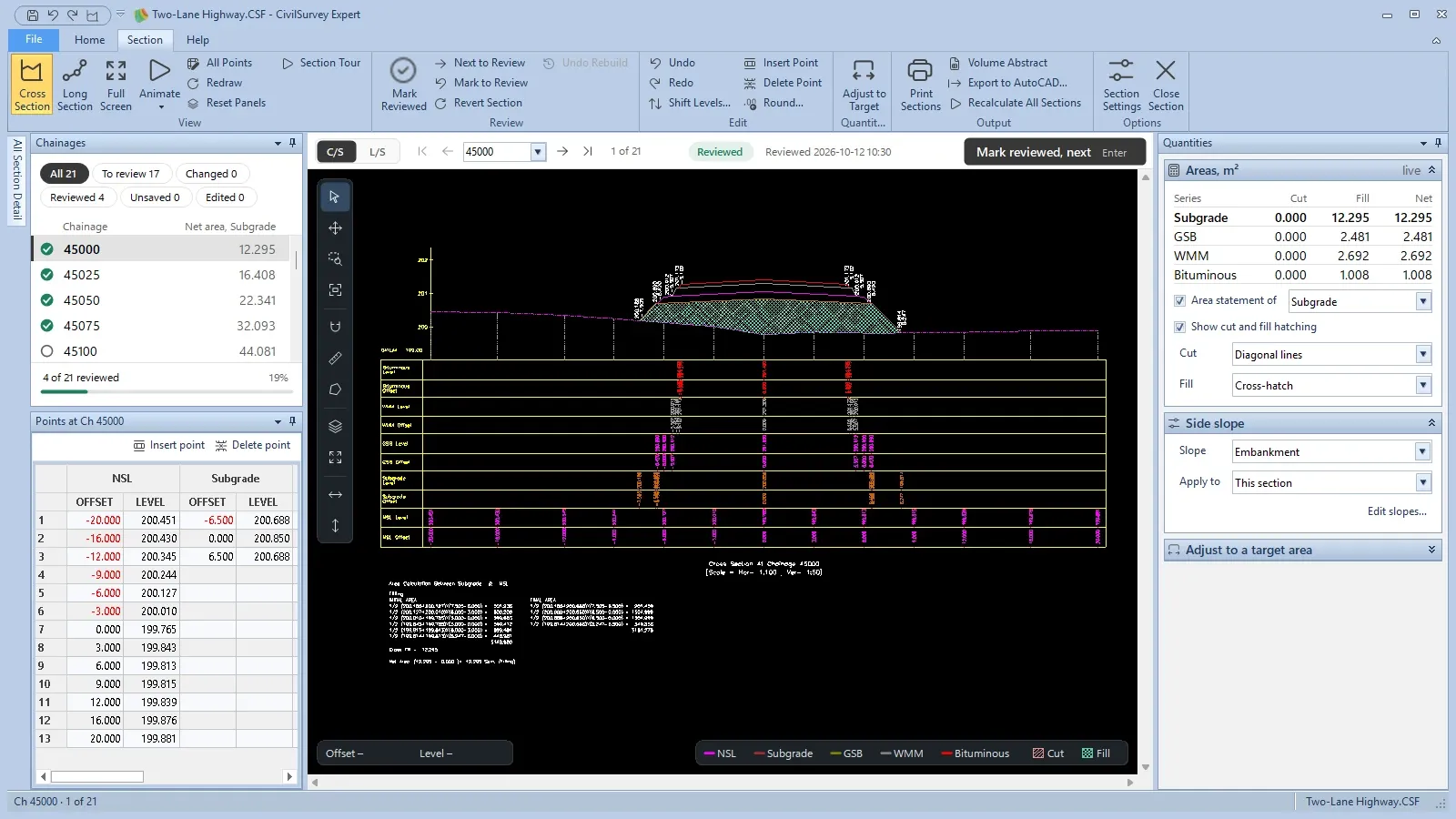
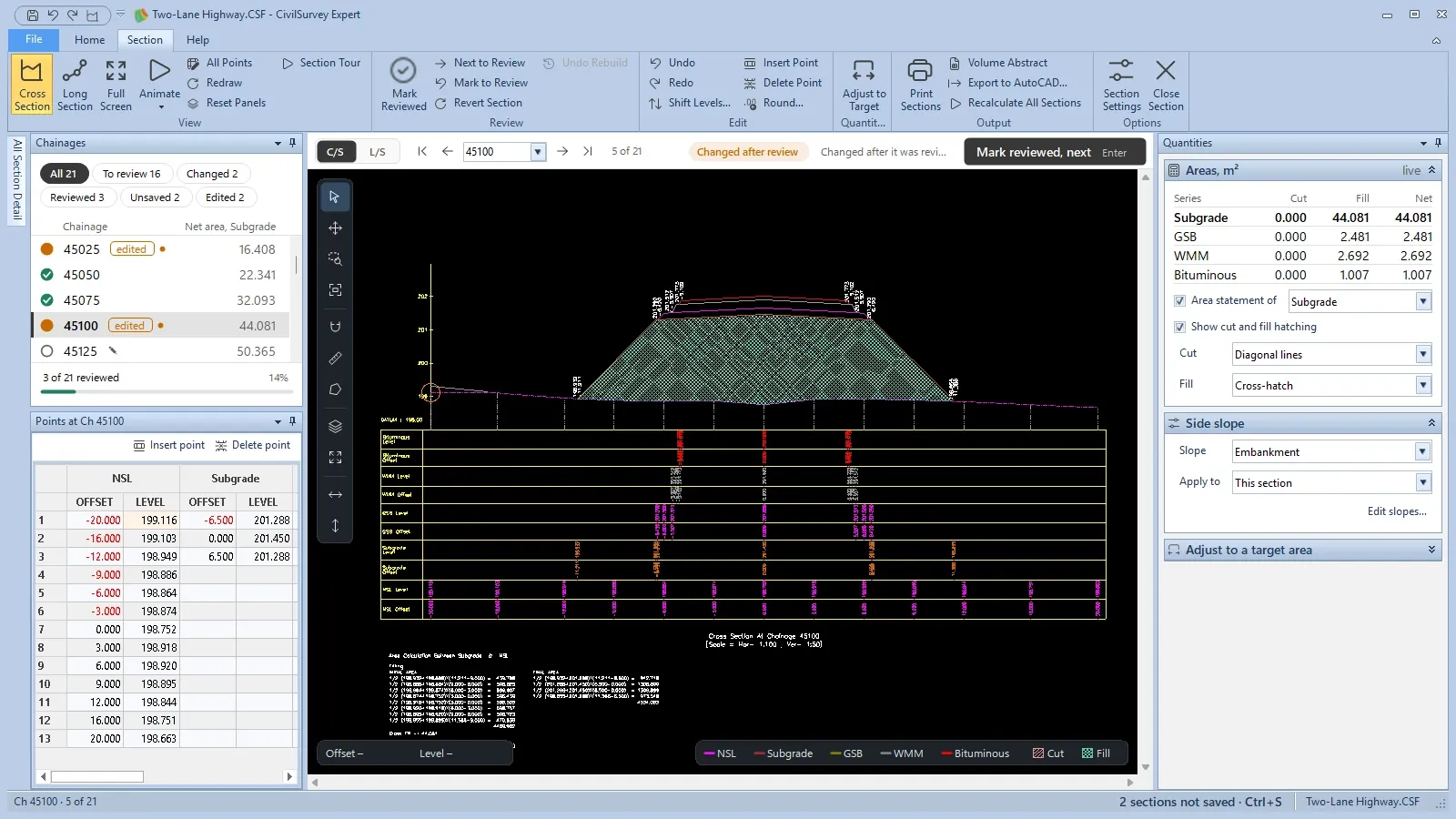
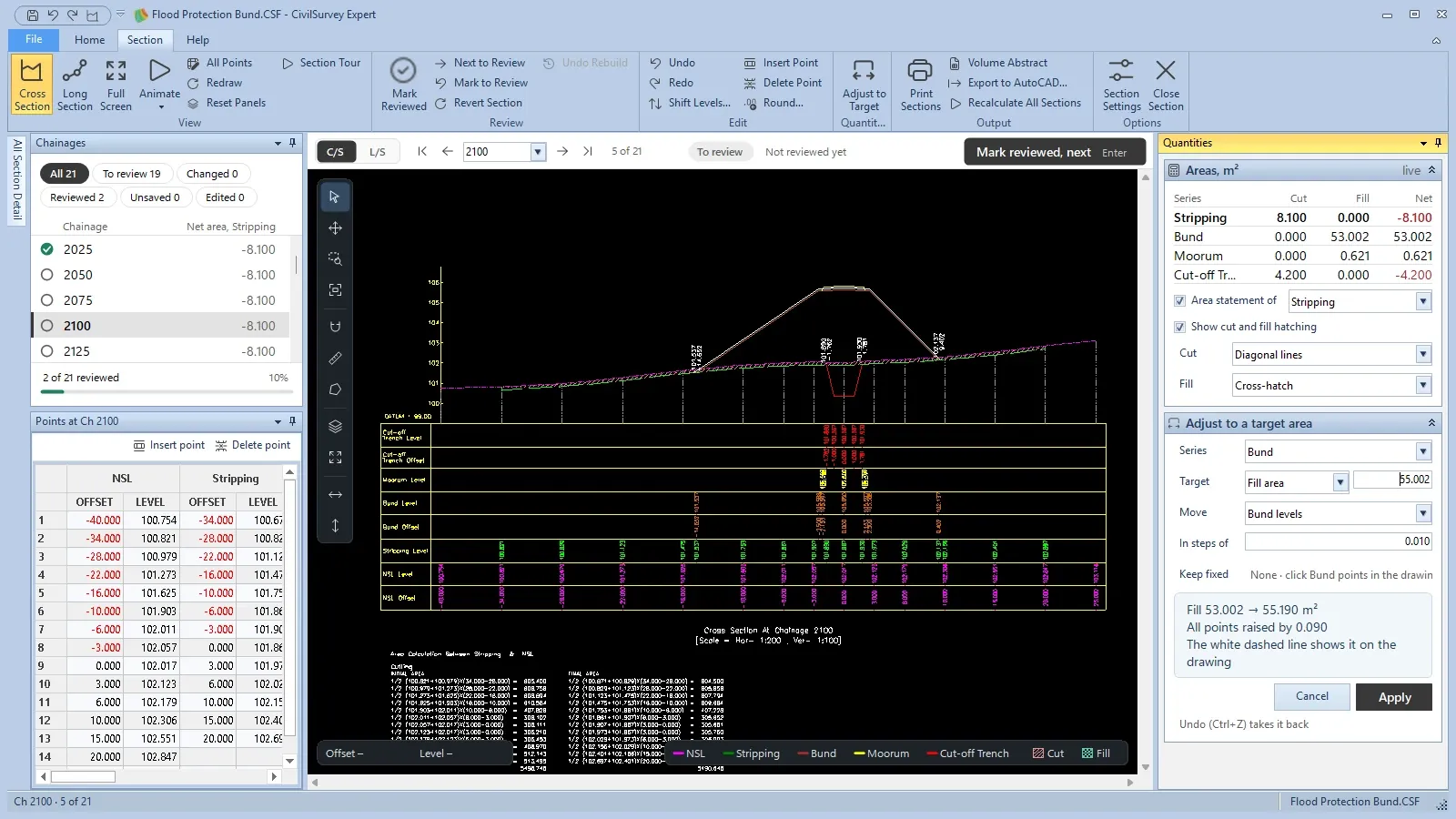
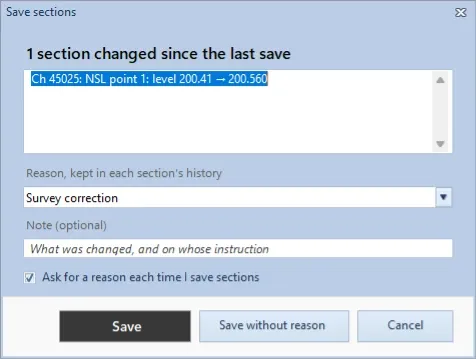
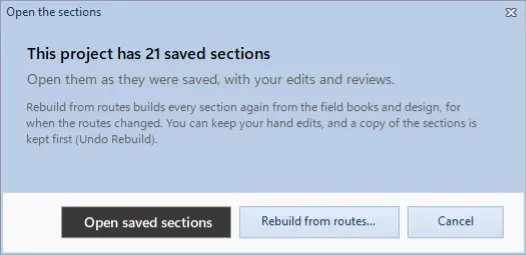
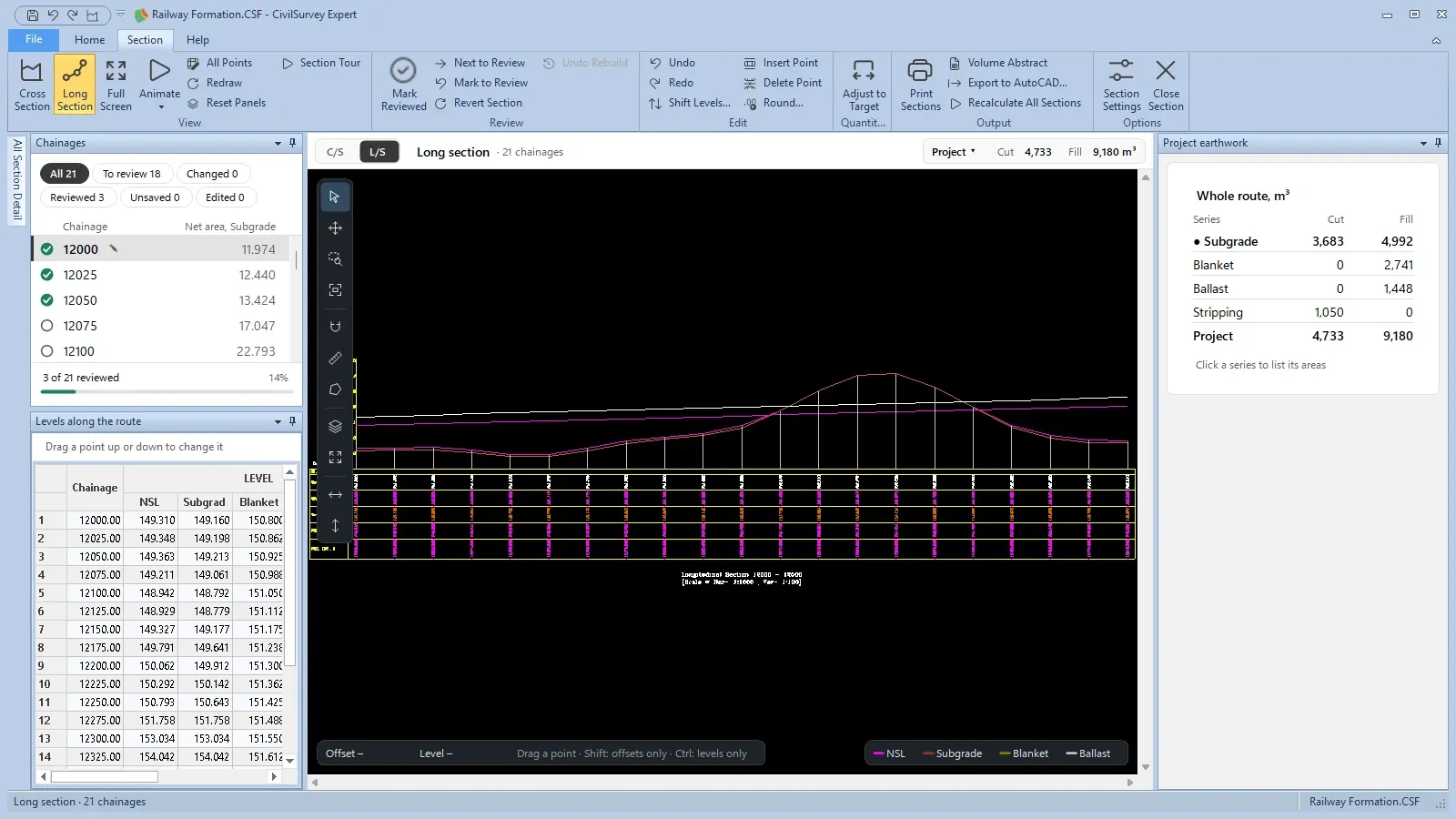
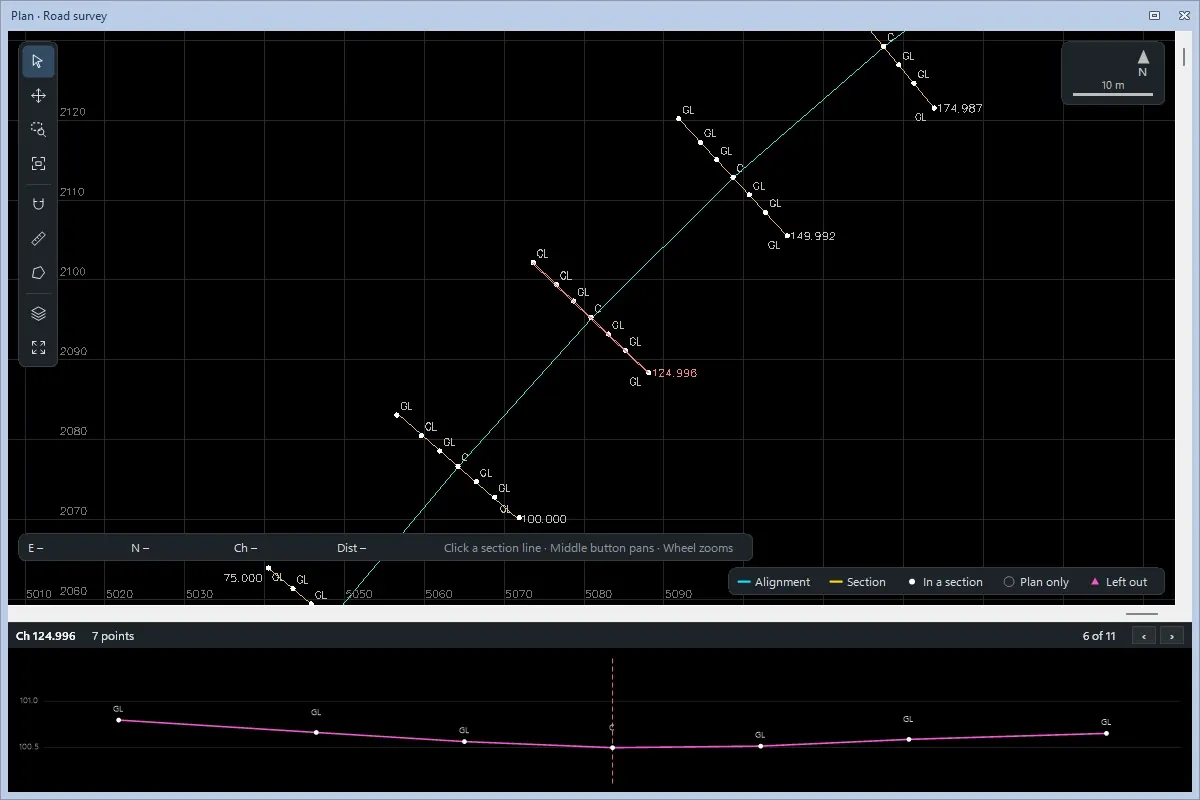
Review and adjust every cross section.Every chainage with its review mark. Check the section, then Mark reviewed, next.
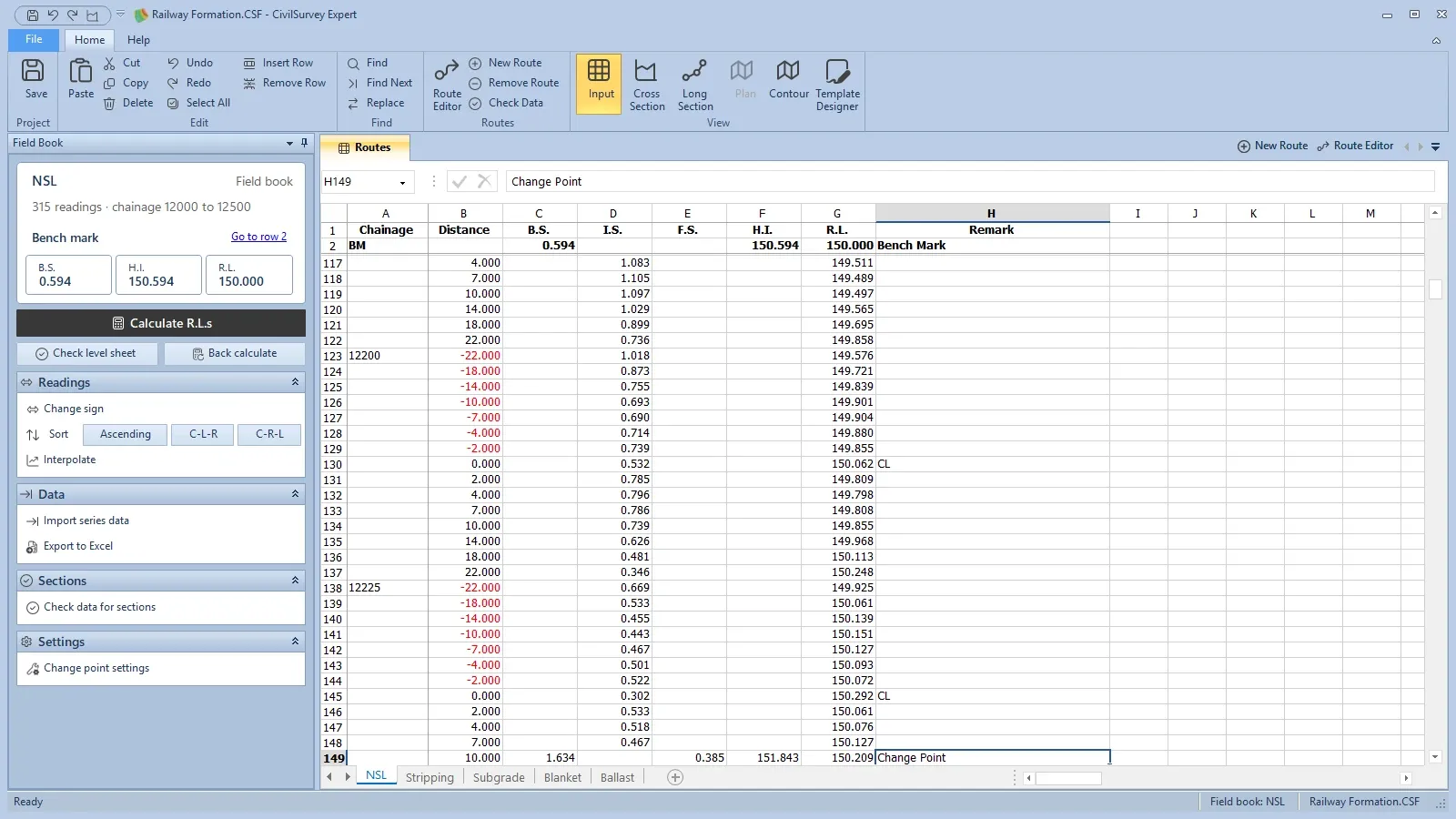
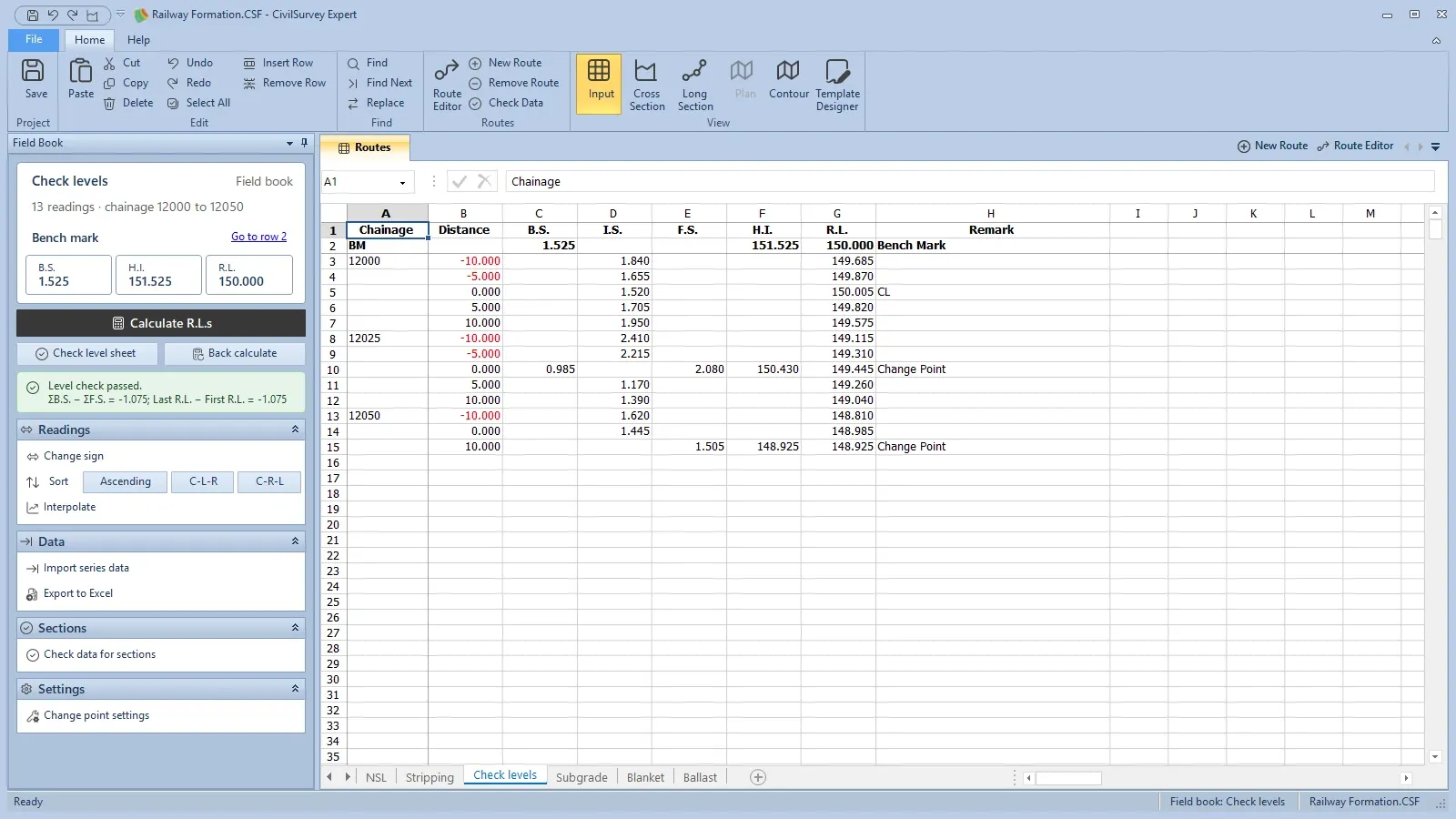
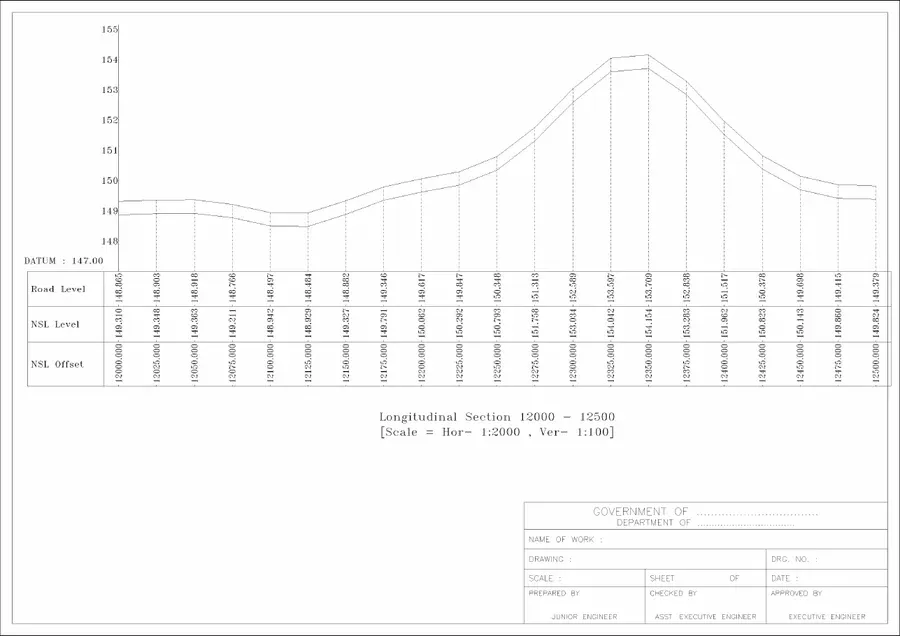
From the level book to cross and long sections.Type the level book as it was booked: B.S., I.S., F.S. and remarks, change points included.
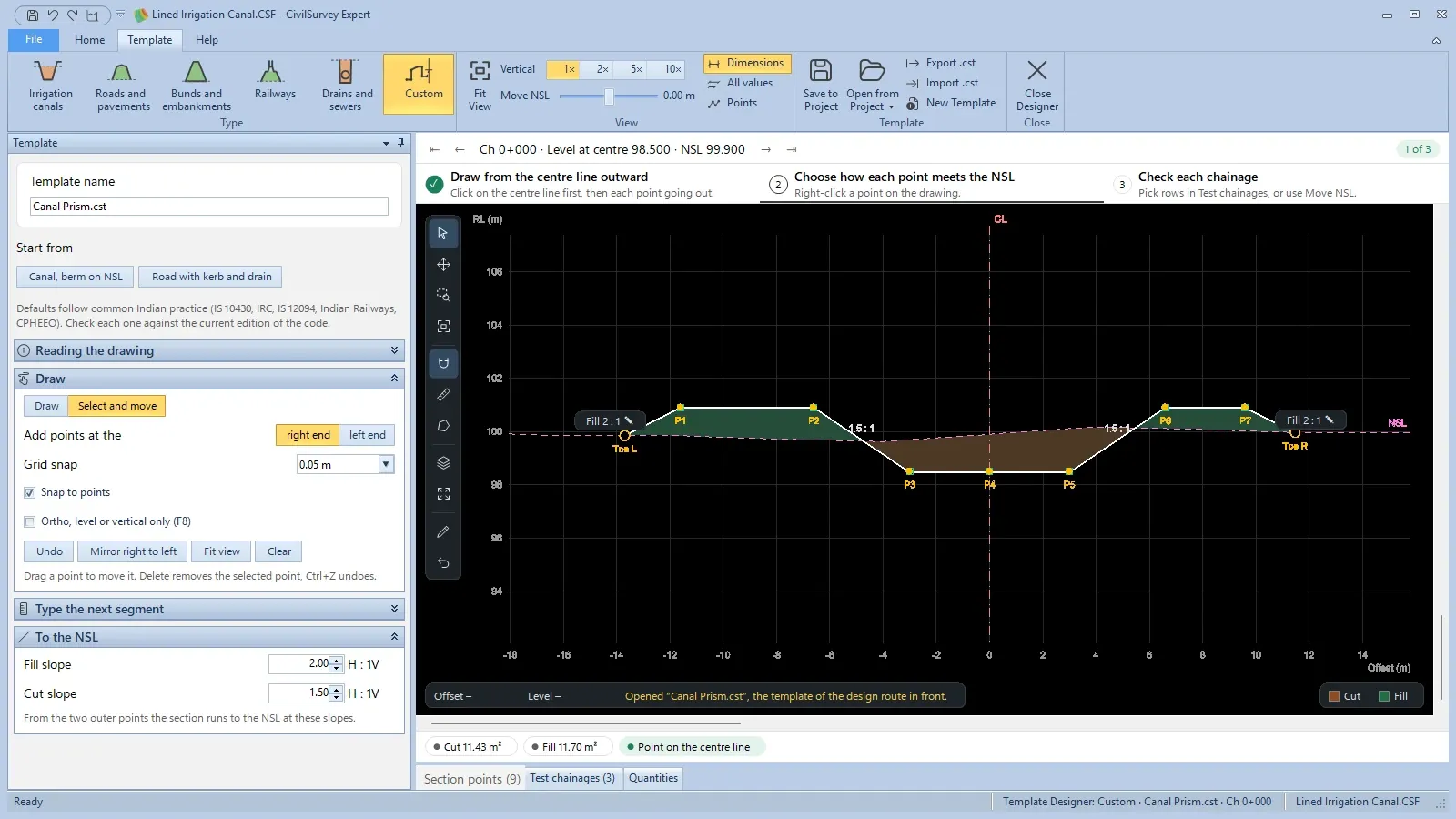
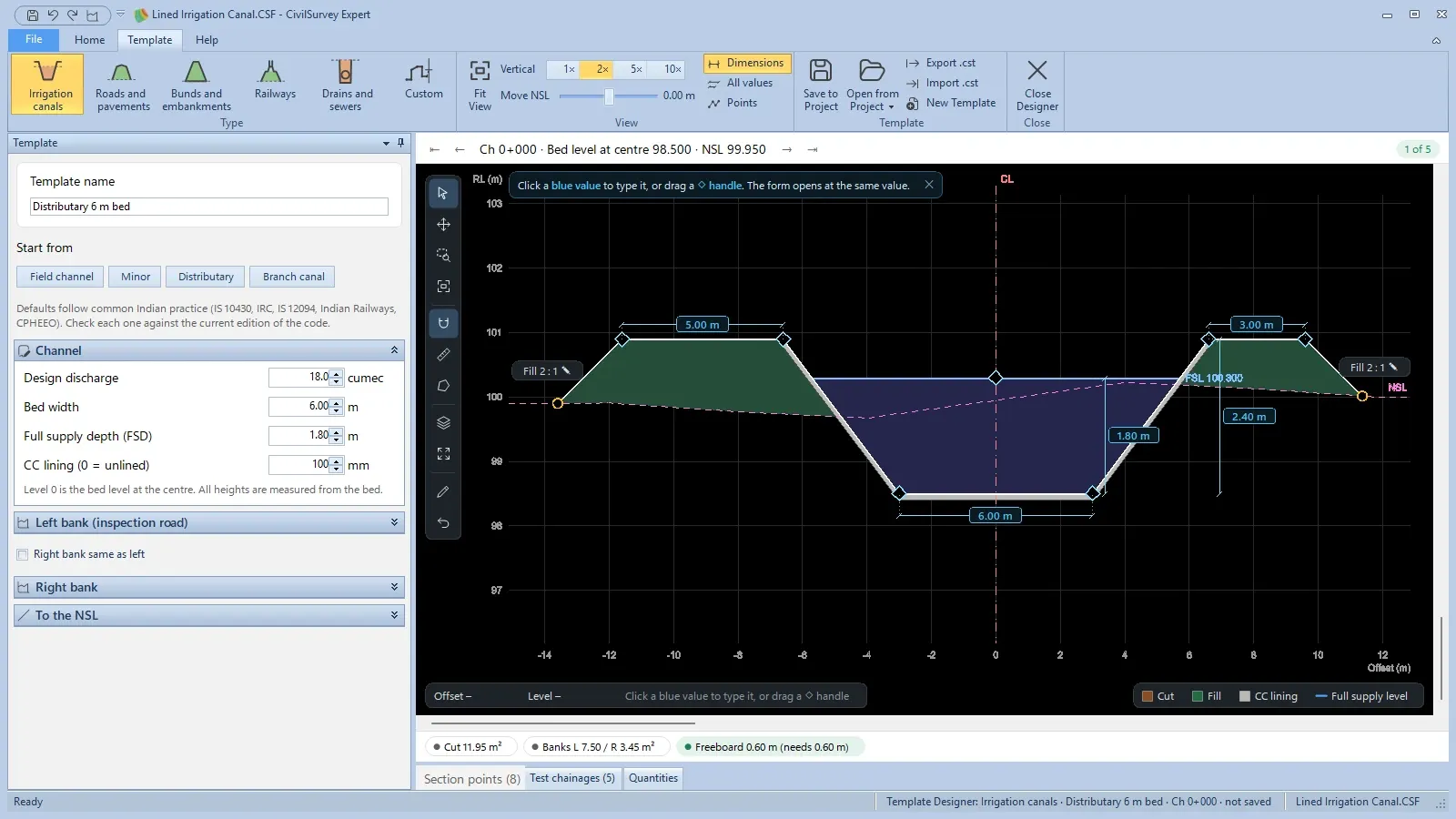
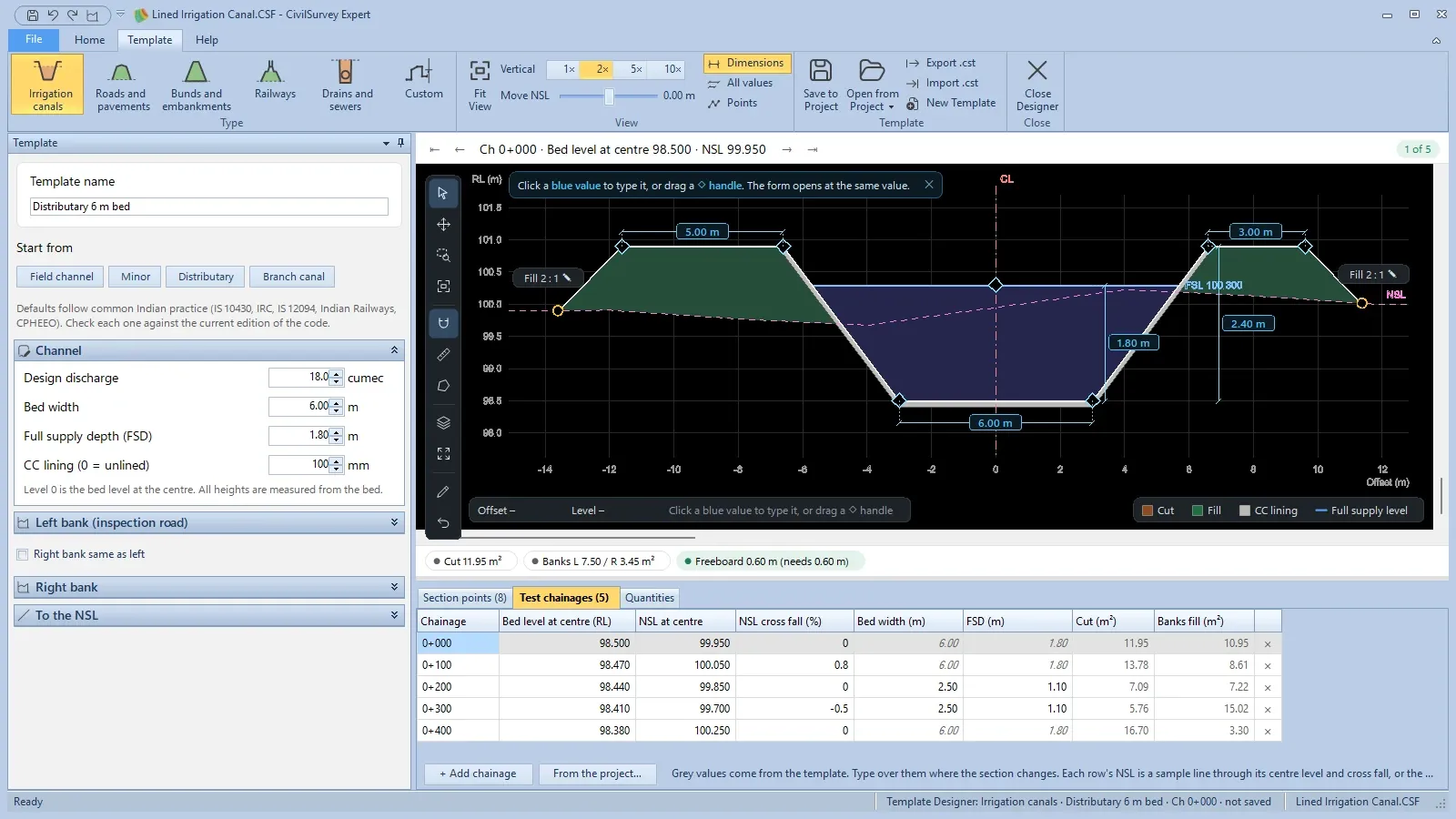
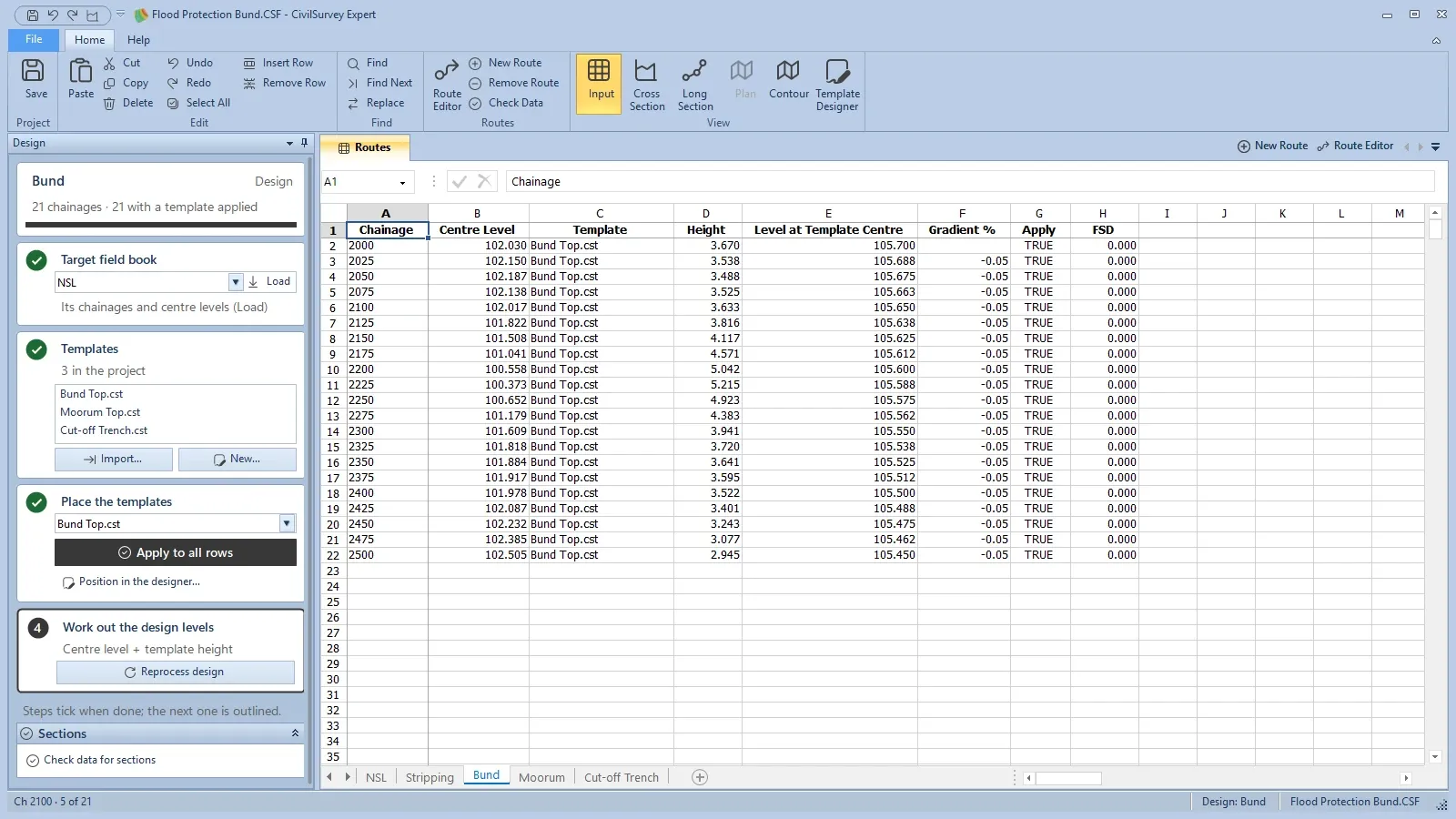
Design the typical section once, place it on every chainage.The Template Designer: pick the type of work, or draw a custom template point by point.
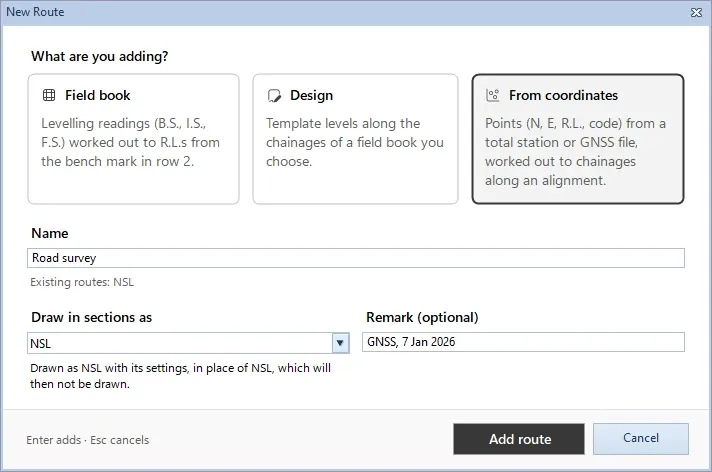
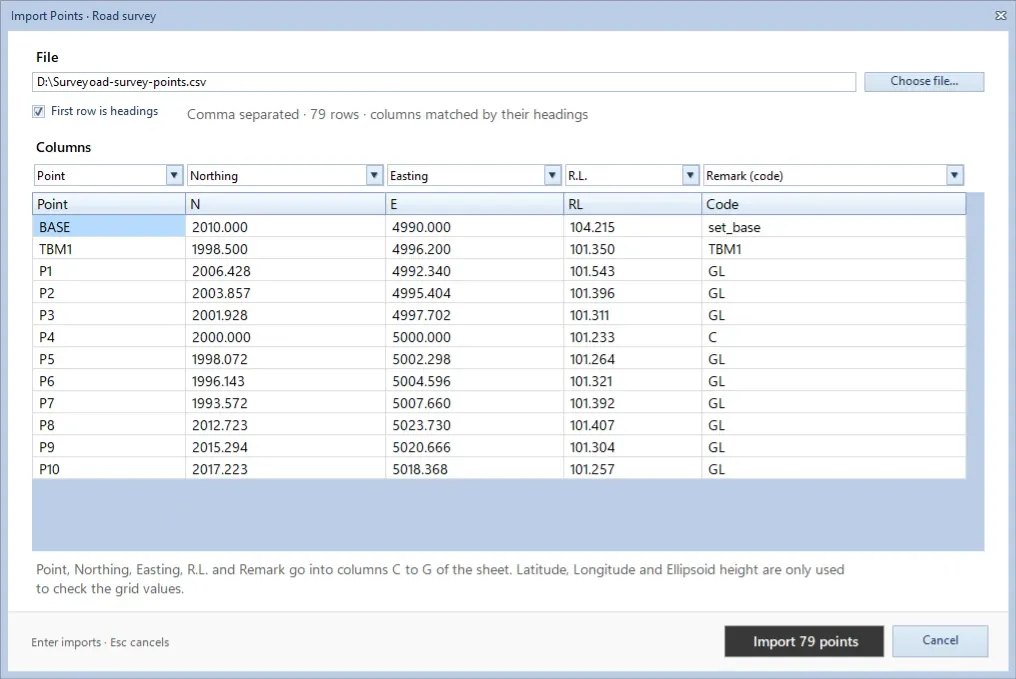
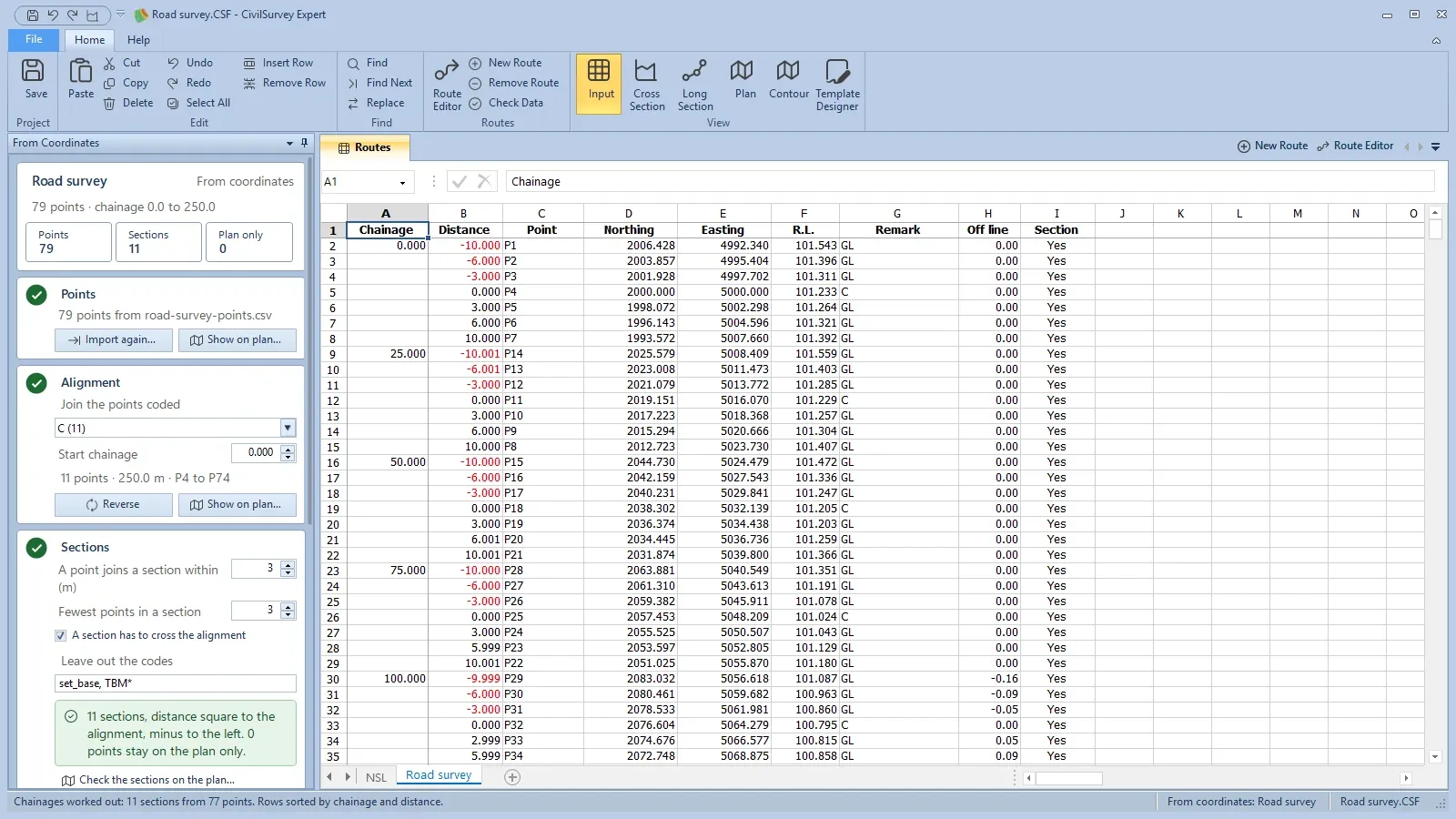
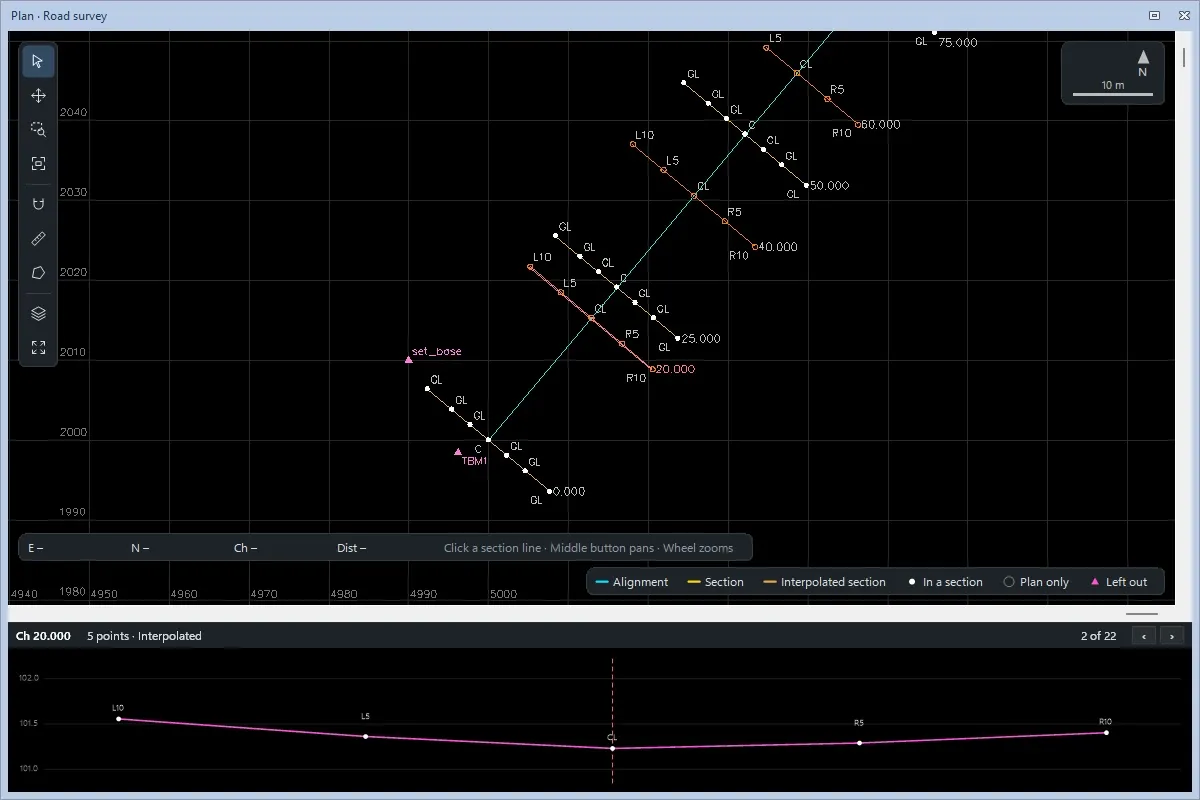
Sections from total station or GNSS points.Add a From coordinates route for the points of a total station or GNSS survey.
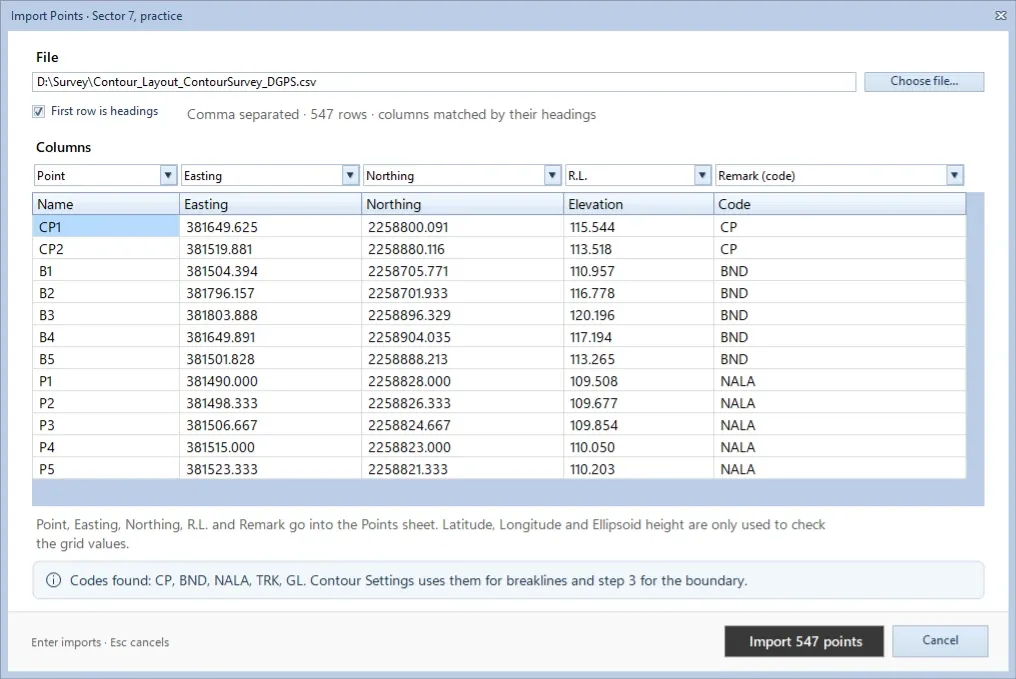
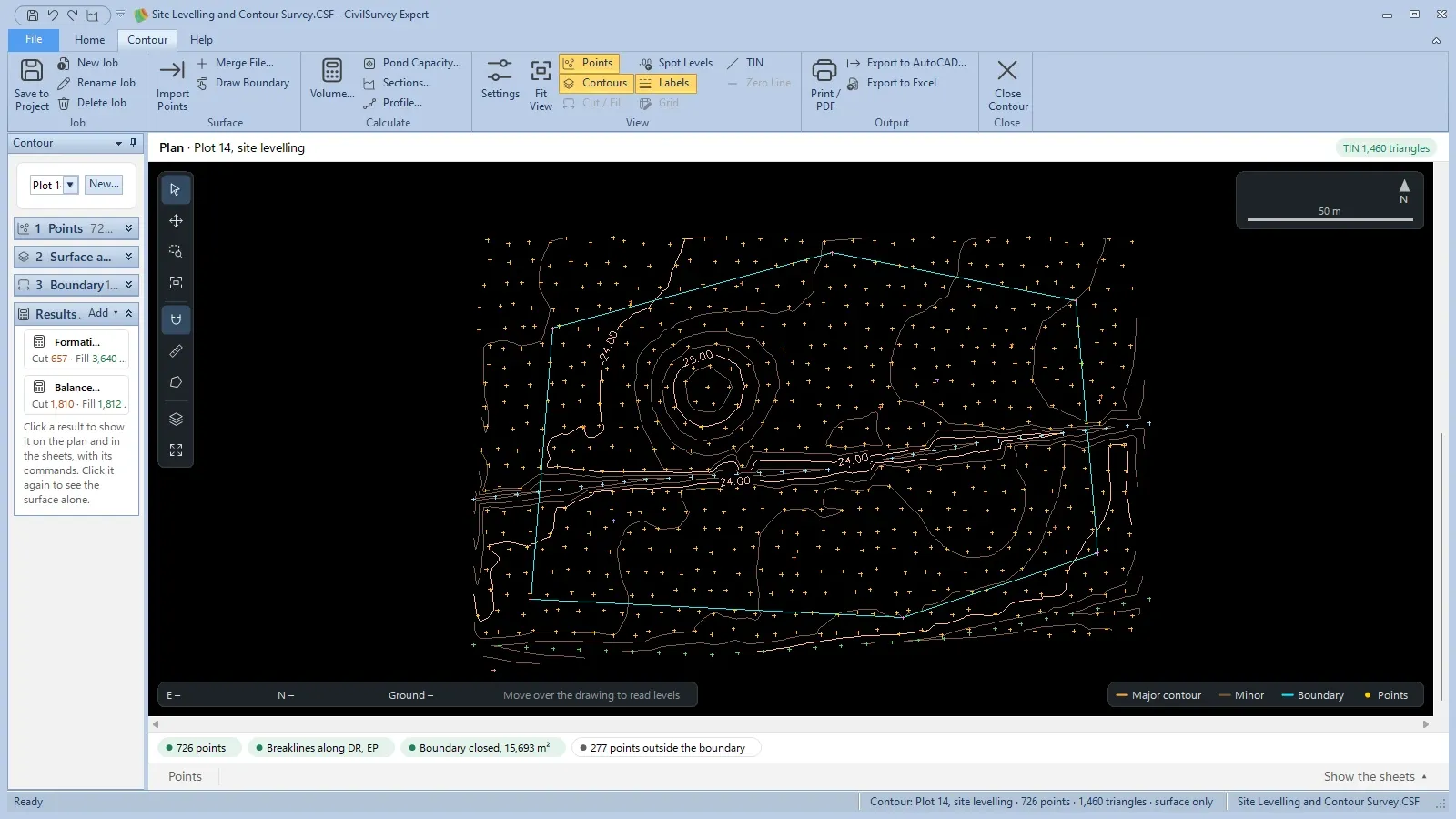
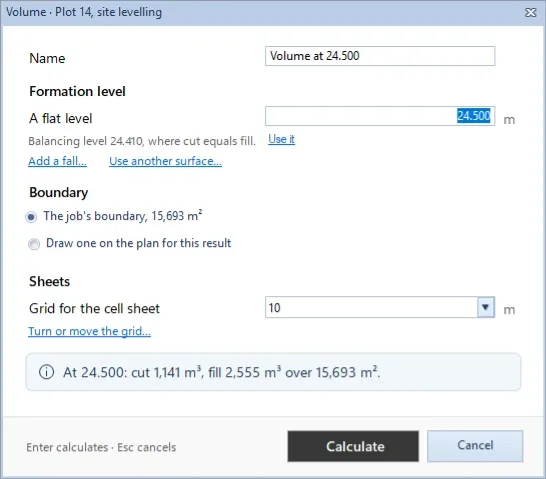
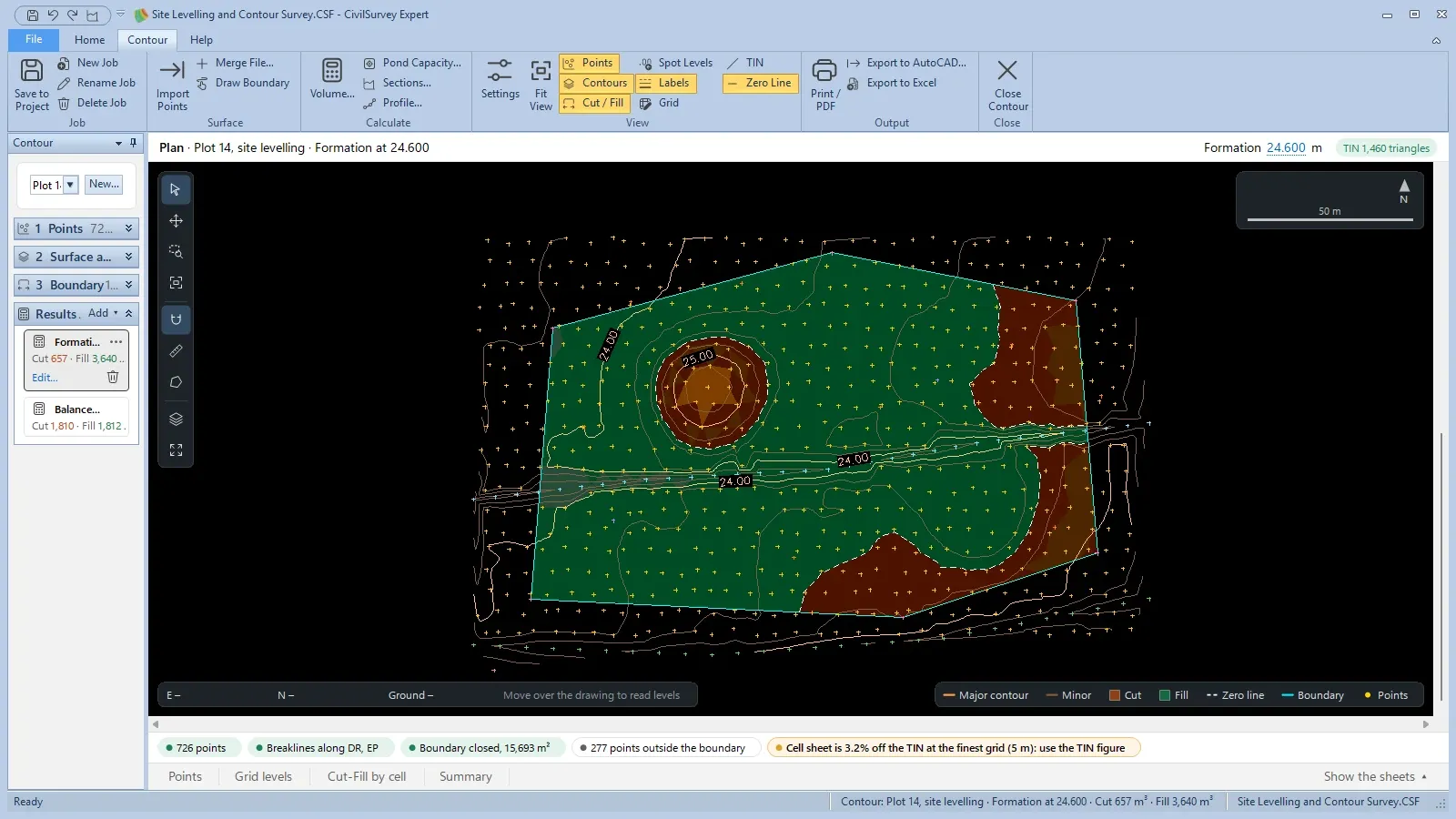
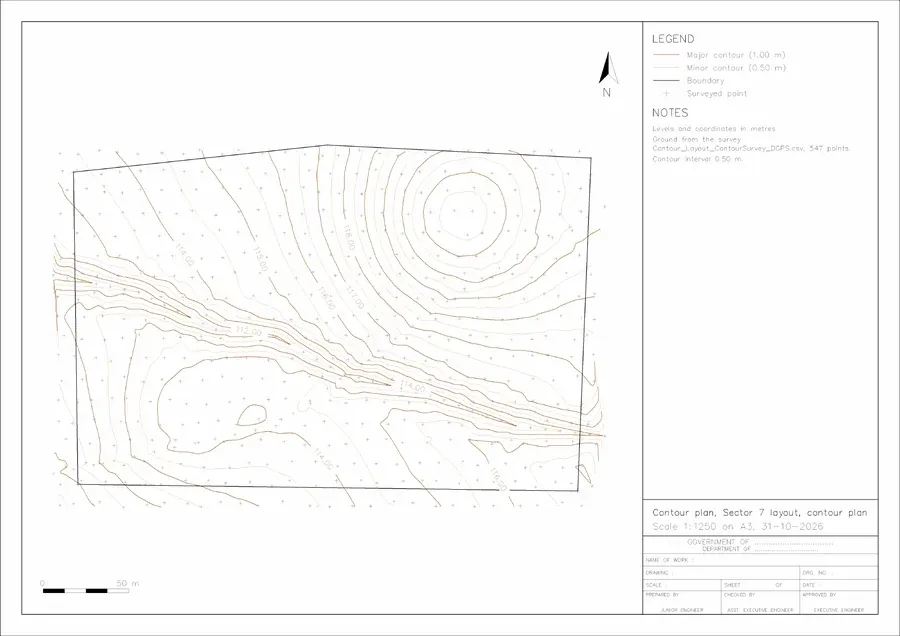
Contours, site cut and fill and tank capacity.Import the survey points, from a total station or DGPS, with their codes.
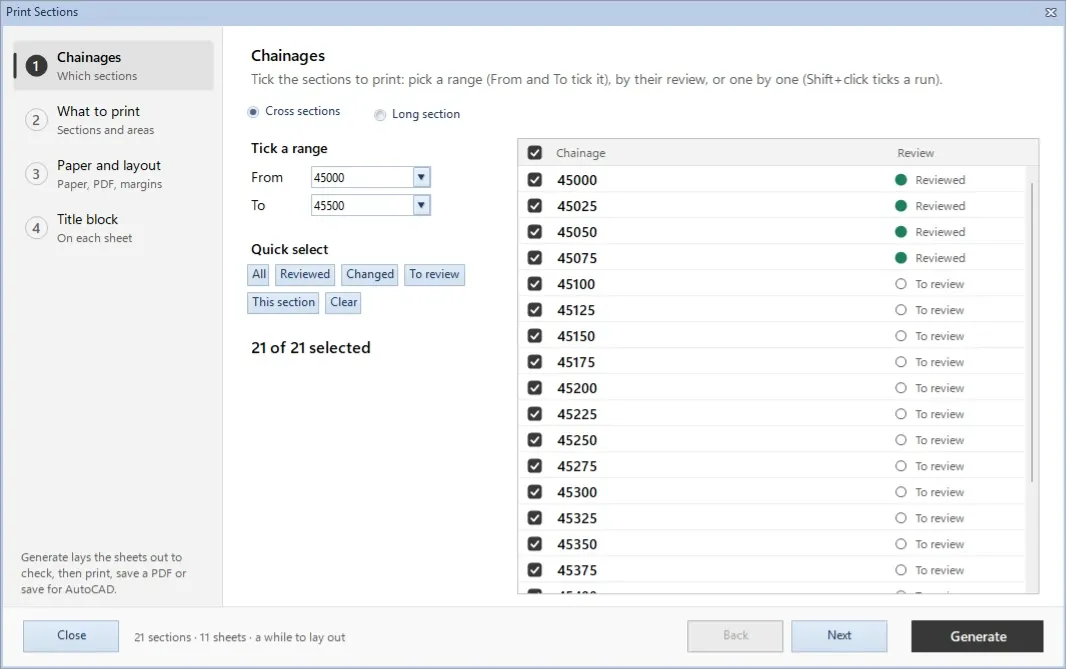
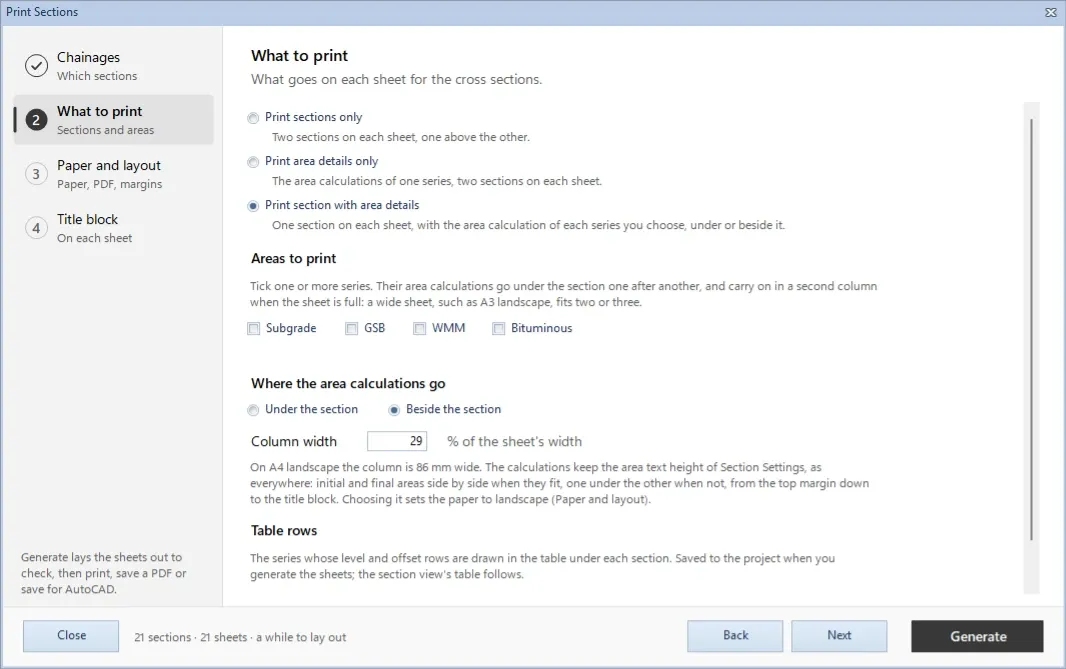
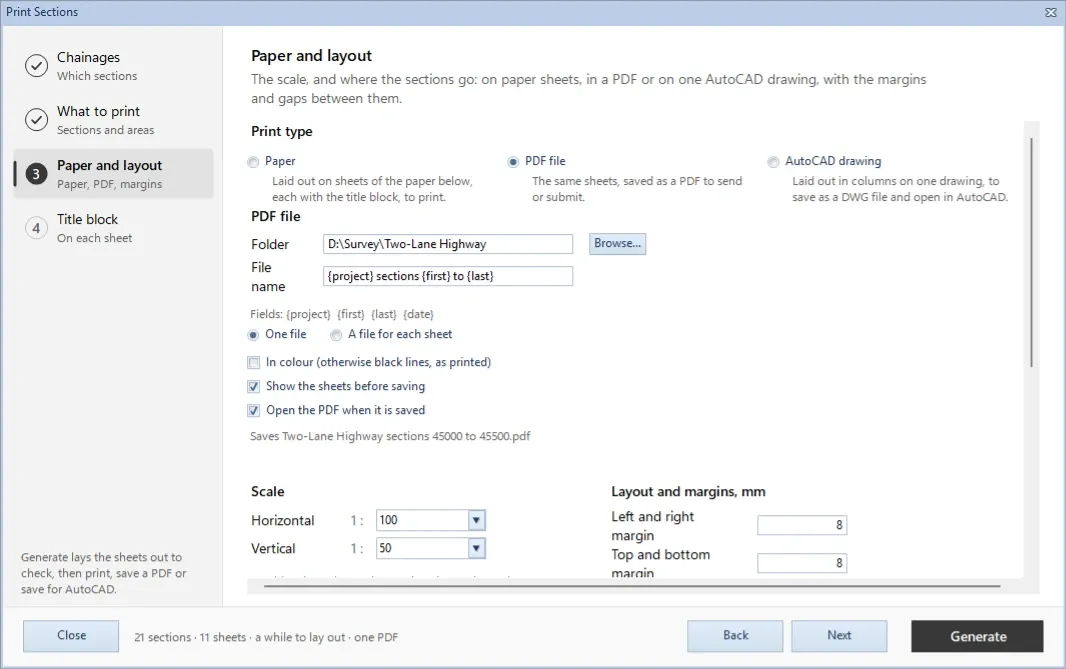
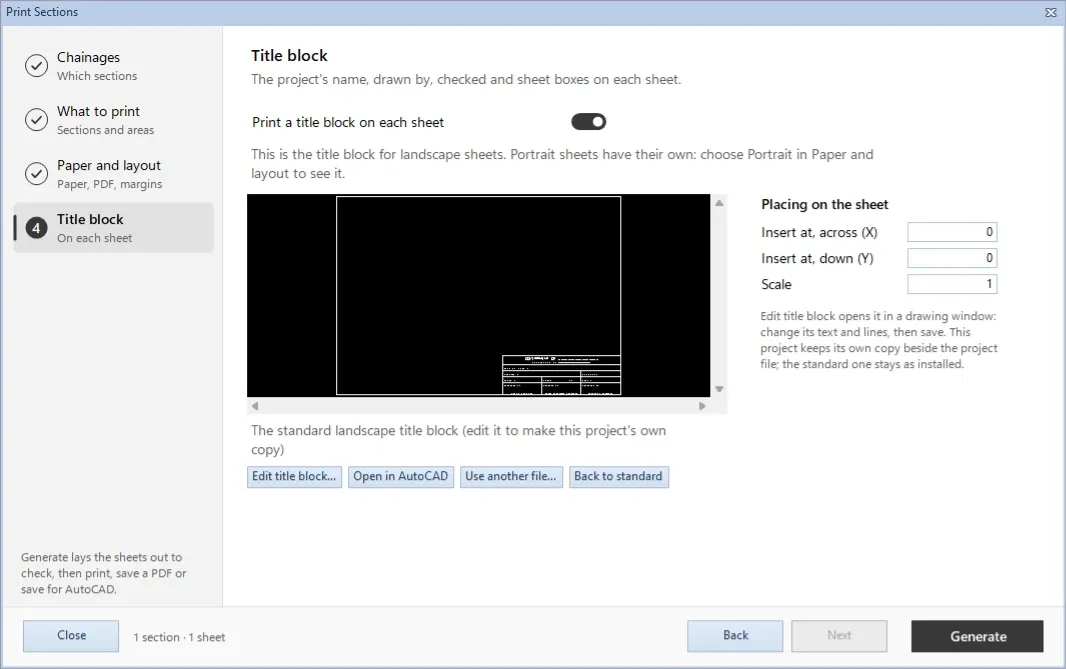
Print the whole route, the way the office wants it.Pick the chainages: a range, all, reviewed, changed or still to review.
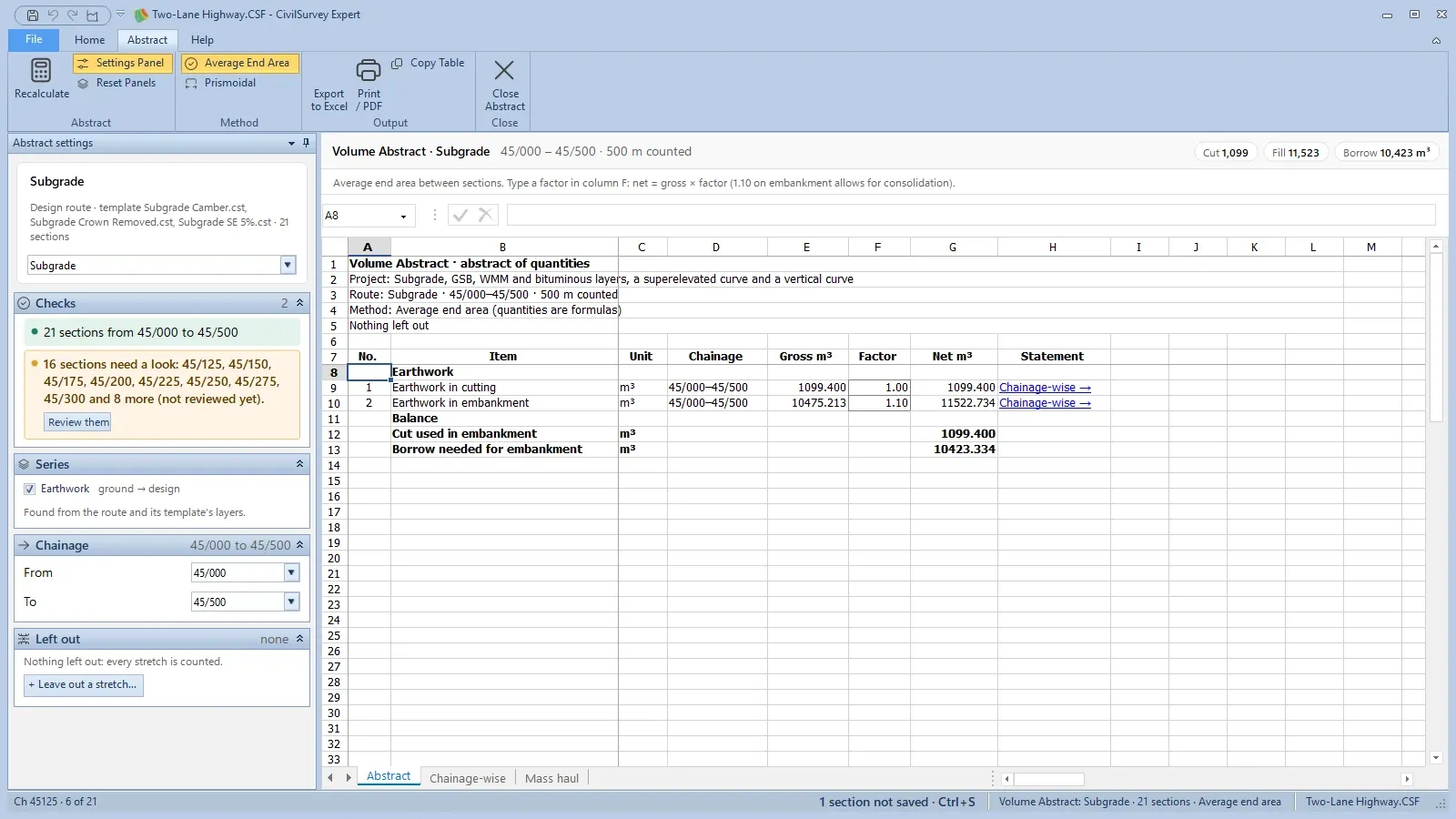
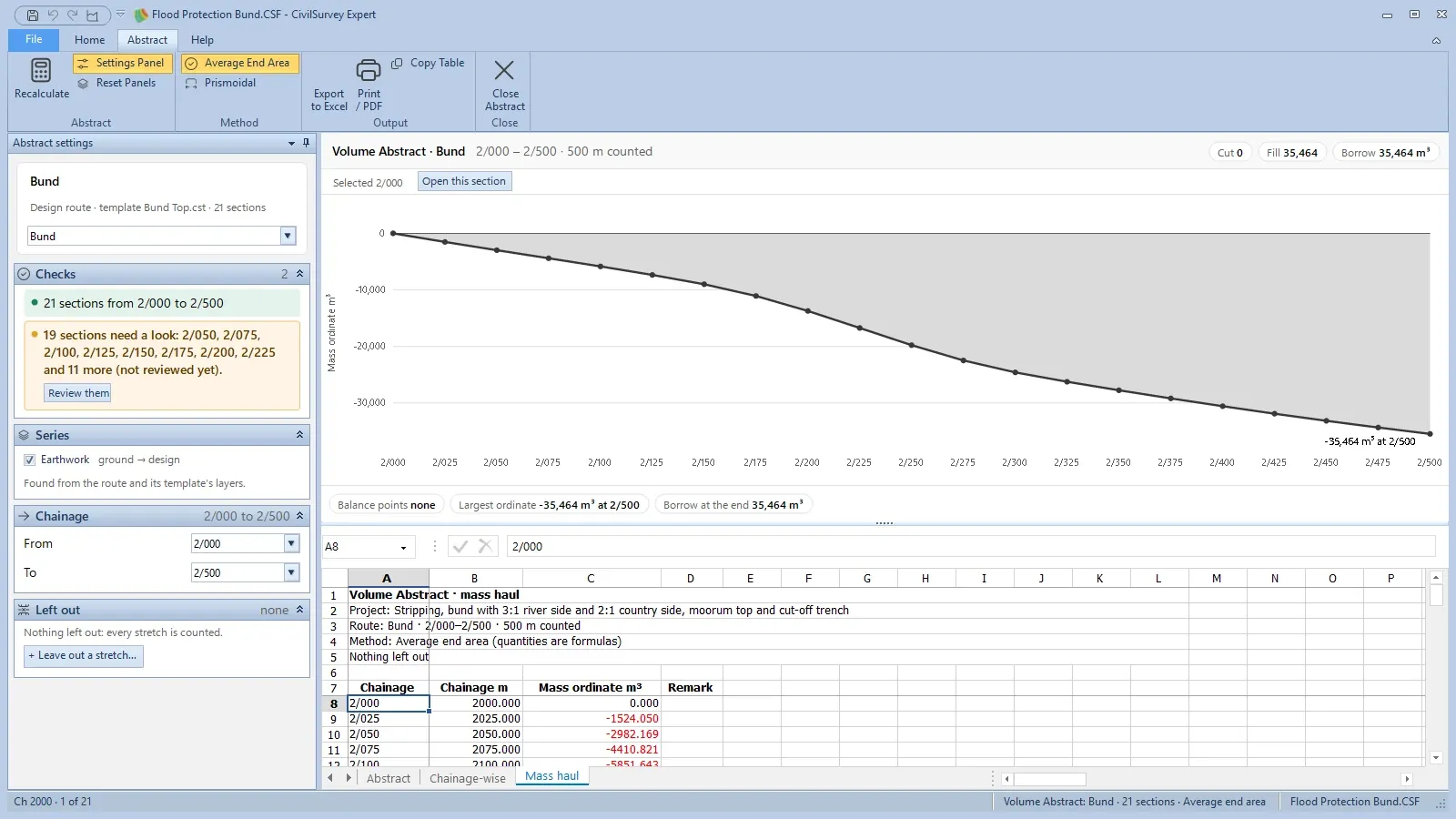
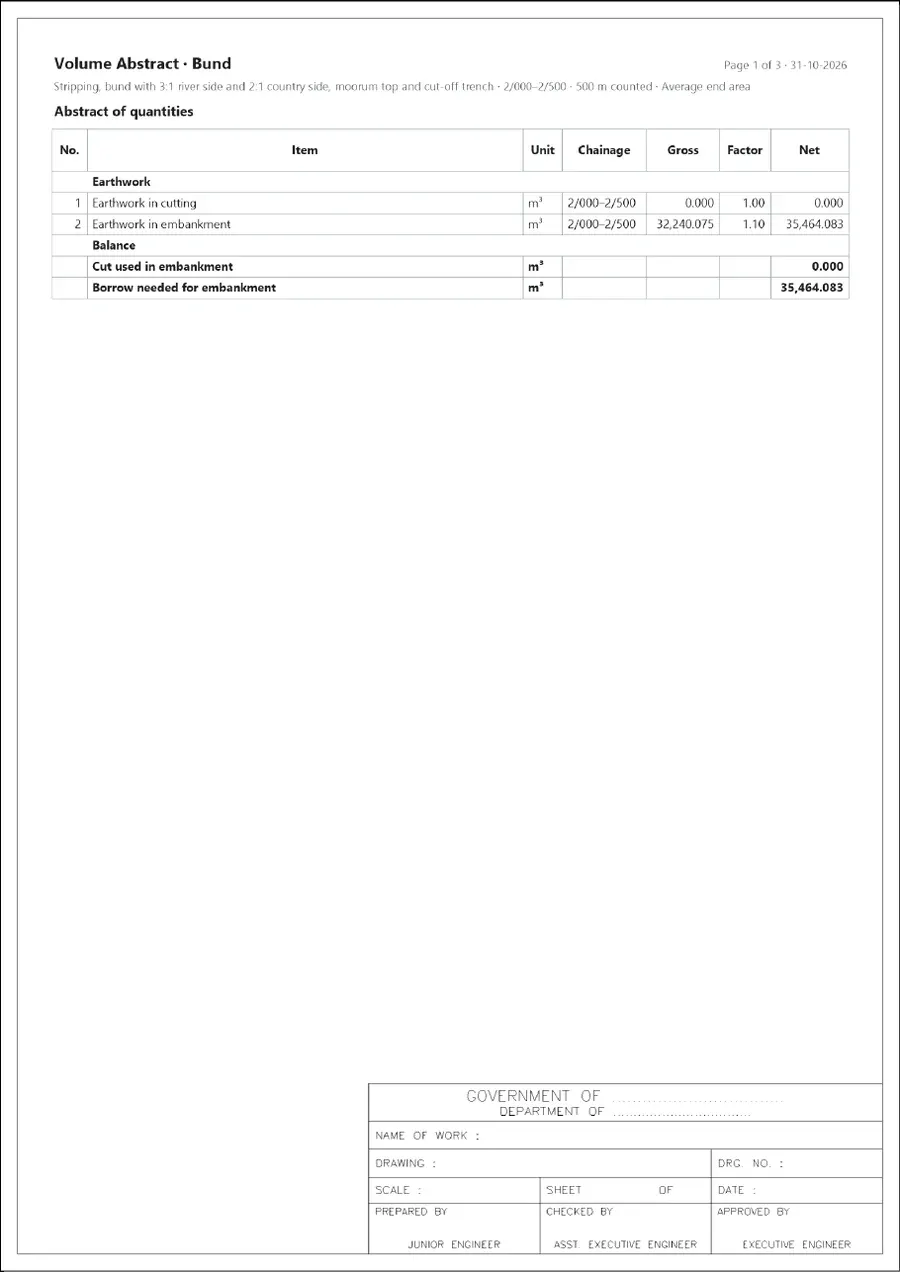
The abstract of quantities, ready to submit.Cutting and embankment with gross, factor and net, and the borrow needed. The Checks card lists sections not reviewed yet.
CH 0+300
Projects
One program for every job you survey
Sample projects for a canal, a highway, a flood bund, a railway and a site levelling and contour survey come with it to learn from.
Real output from CivilSurvey Expert, made by the program from the sample projects that install with it. Download them and check every figure: no form to fill.
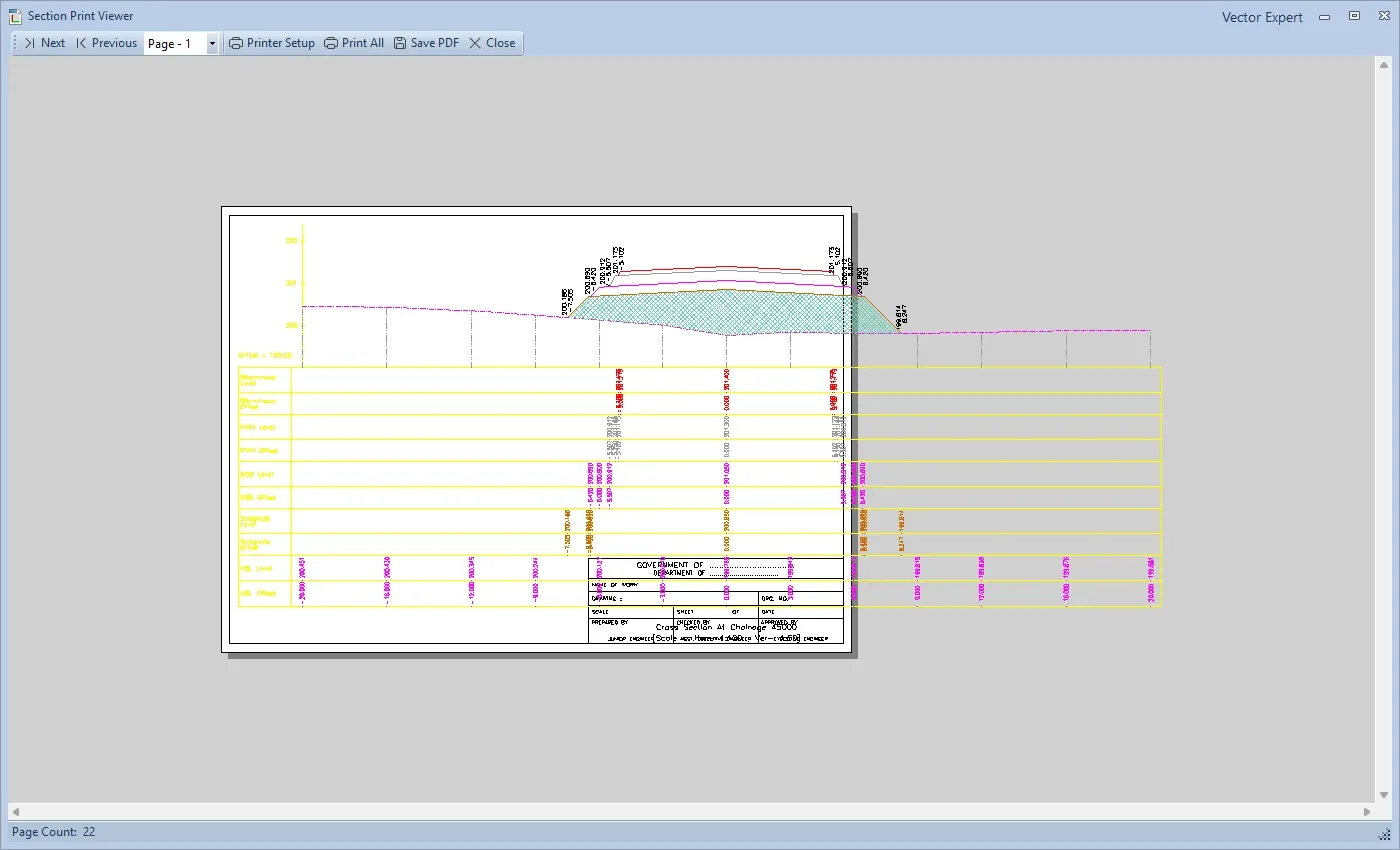
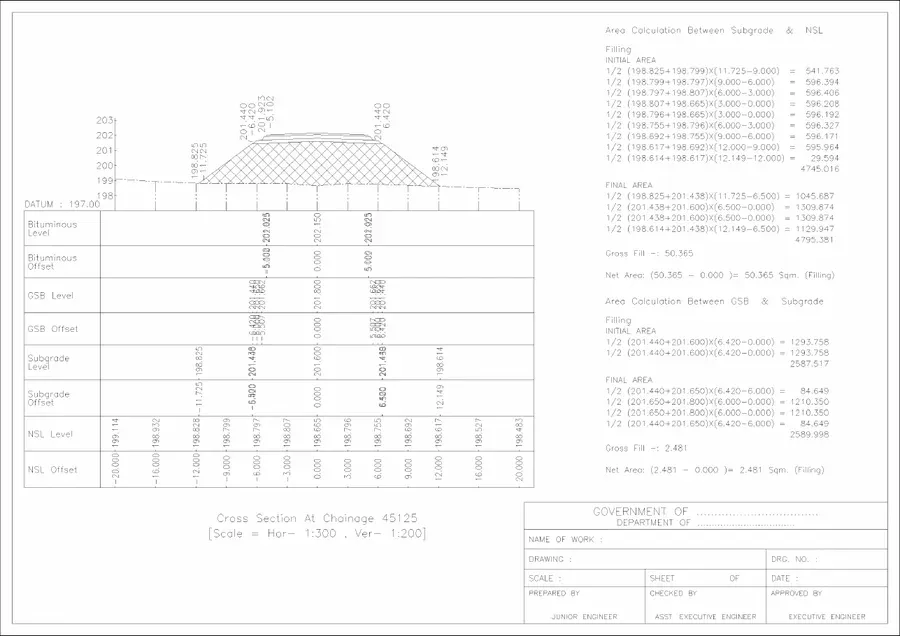
Profile survey · Two-Lane HighwayCross-section sheetsFive chainages, each with the Subgrade and GSB area calculations beside the section, and the standard title block.
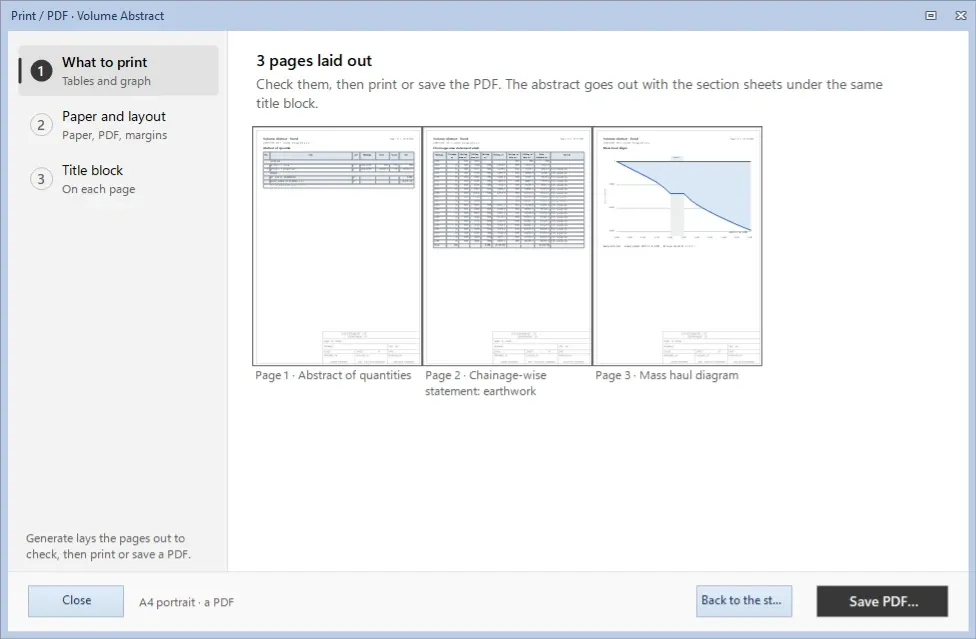
Profile survey · Flood Protection BundVolume abstractThe abstract of quantities, the chainage-wise statement and the mass haul diagram, with the title block on every page.
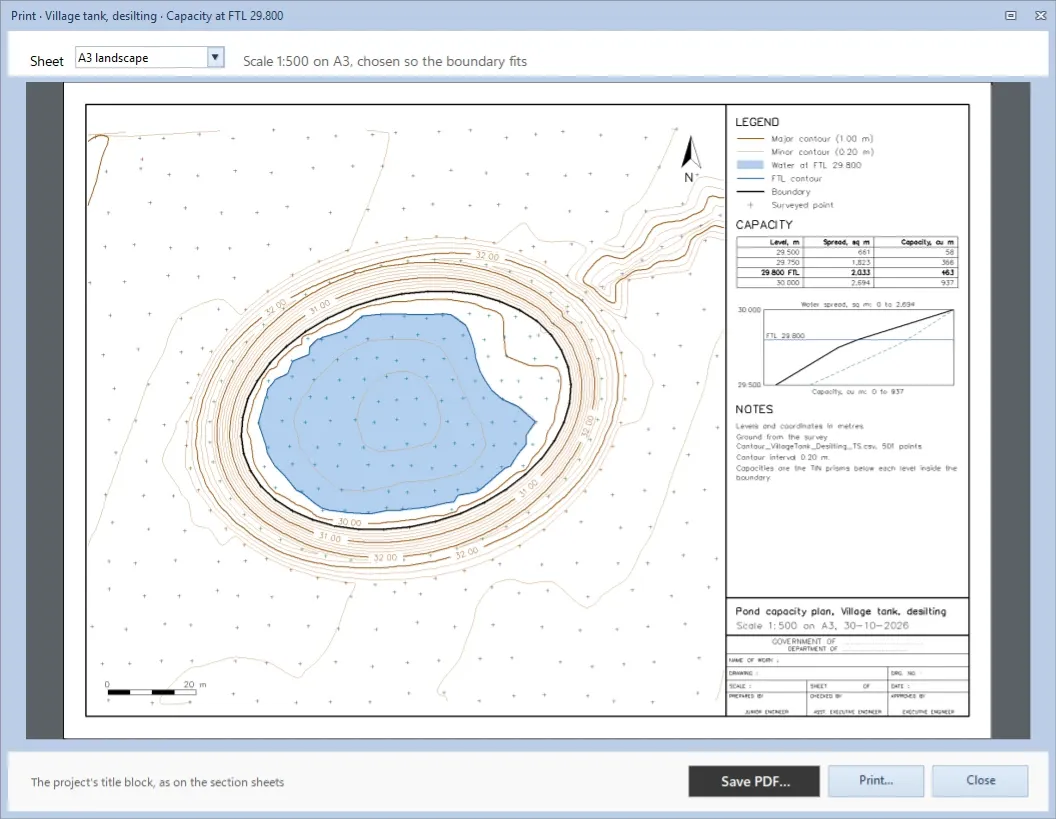
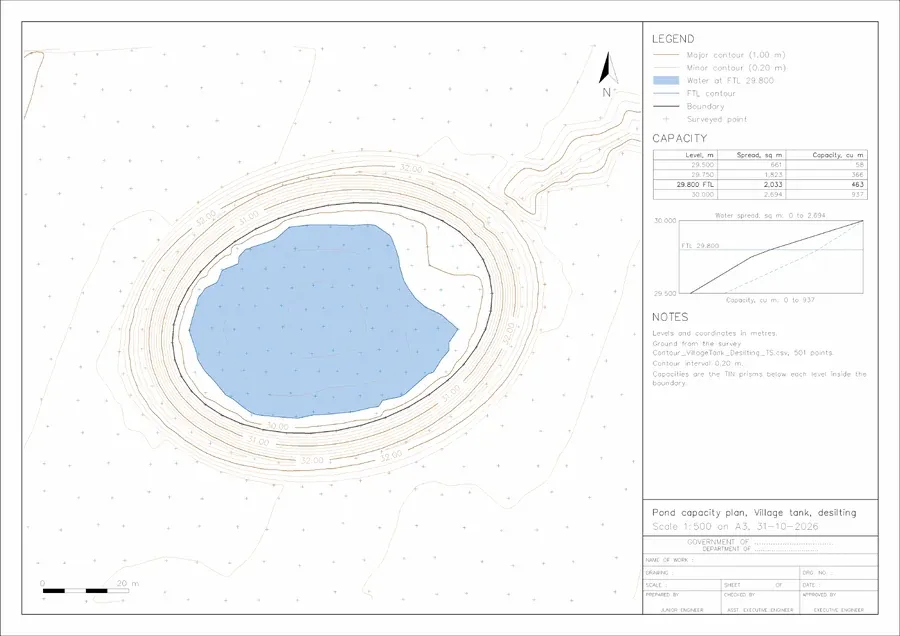
Contour · Village tank, desiltingTank capacity planThe water at FTL 29.800, the capacity table and the area–capacity curve: 463 m³ over 2,033 m² of water.
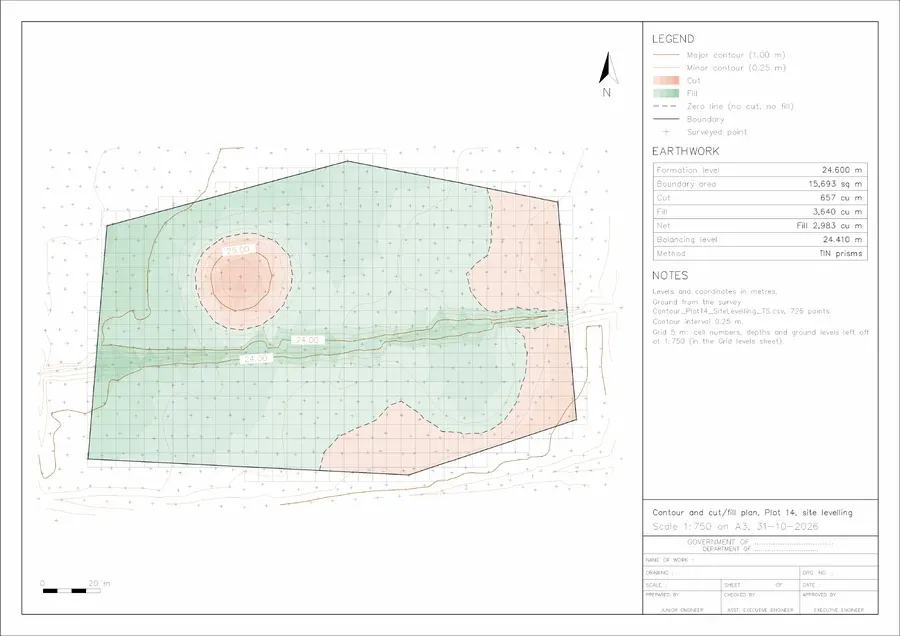
Contour · Plot 14, site levellingCut-fill planFormation at 24.600: cut and fill shading, the zero line and the earthwork table, cut 657 m³ and fill 3,640 m³.
Pay once. Generate as many sections as the job needs.
One licence per computer, with no per-project fees. No AutoCAD licence and no obligations: the CAD is built in. Ask for current rates for single seats, firms and training institutes.
No. Sections are drawn, edited and printed in the built-in CAD, so there is no AutoCAD licence to buy and no subscription to keep up. Export to DWG or DXF only when a client or drafting team asks for drawings.
Can I bring in field books from another program?
Yes, from Excel (.xlsx or .xls). CivilSurvey recognises columns by their headings (Ch, Offset, BS, IS, FS, RL, Remark and common variations), lets you map any it misses, and keeps a copy of your project before importing. Total station and GNSS point files (CSV, TXT, XYZ, PTS, ASC) come in too.
What is a reverse field book?
A field book worked backwards from levels: CivilSurvey takes the levels of a layer, including toe points, and works out the B.S., I.S. and F.S. readings from your bench mark, for setting out that layer on site. Change points are added wherever a reading would go outside the staff, and the arithmetic check runs at the end.
How do I share a project?
Send the .CSF file. Everything is inside it: field books, designs, templates, edited sections, settings and your own sheets. Files from older versions are upgraded when opened, after a backup is made.
How is it licensed?
A one-time payment per computer covers the licence and unlimited section generation. There is no subscription.
 VectorExpert
 CivilSurvey Expert — CSE_Sample1.CSF · CH 0+030